Medium Wave (MW) services are closing in many areas, but you can still enjoy your favourite stations in several easy ways. This helpguide explains how to retune your radio and the best alternatives to MW listening.
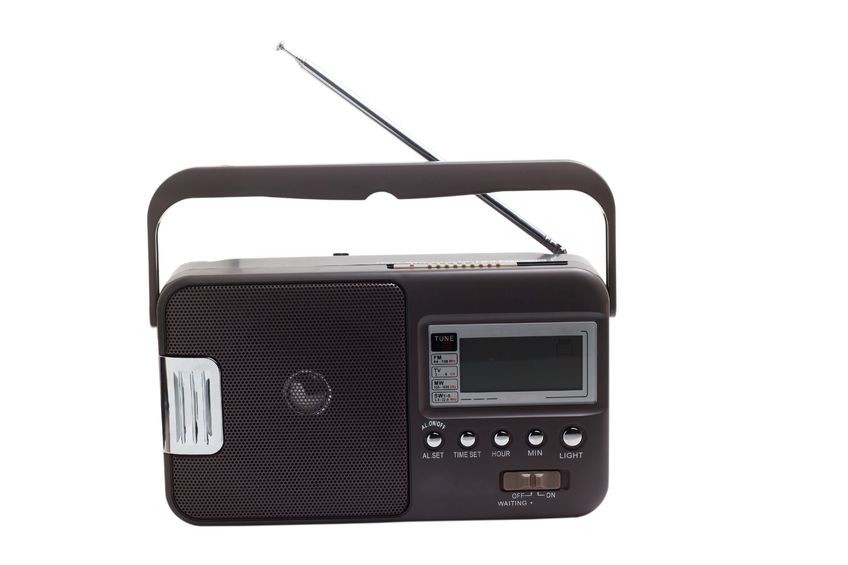
1. Retuning Your Radio
Listening on FM and Retuning
- If the scan doesn’t find the station you want, you can manually tune by turning the tuning dial or using the + / – buttons to move to a specific frequency.
- FM radios have a Scan or Auto‑Tune button. Pressing it will search for all available stations and store them automatically.
Listening on DAB and Retuning
- On DAB radios, retuning is often called Rescan.
- Look for a menu option such as Rescan, Auto‑Tune, or Update Stations.
- Select it, and the radio will search for all available DAB stations again.
- Once complete, choose your station from the updated alphabetical list.
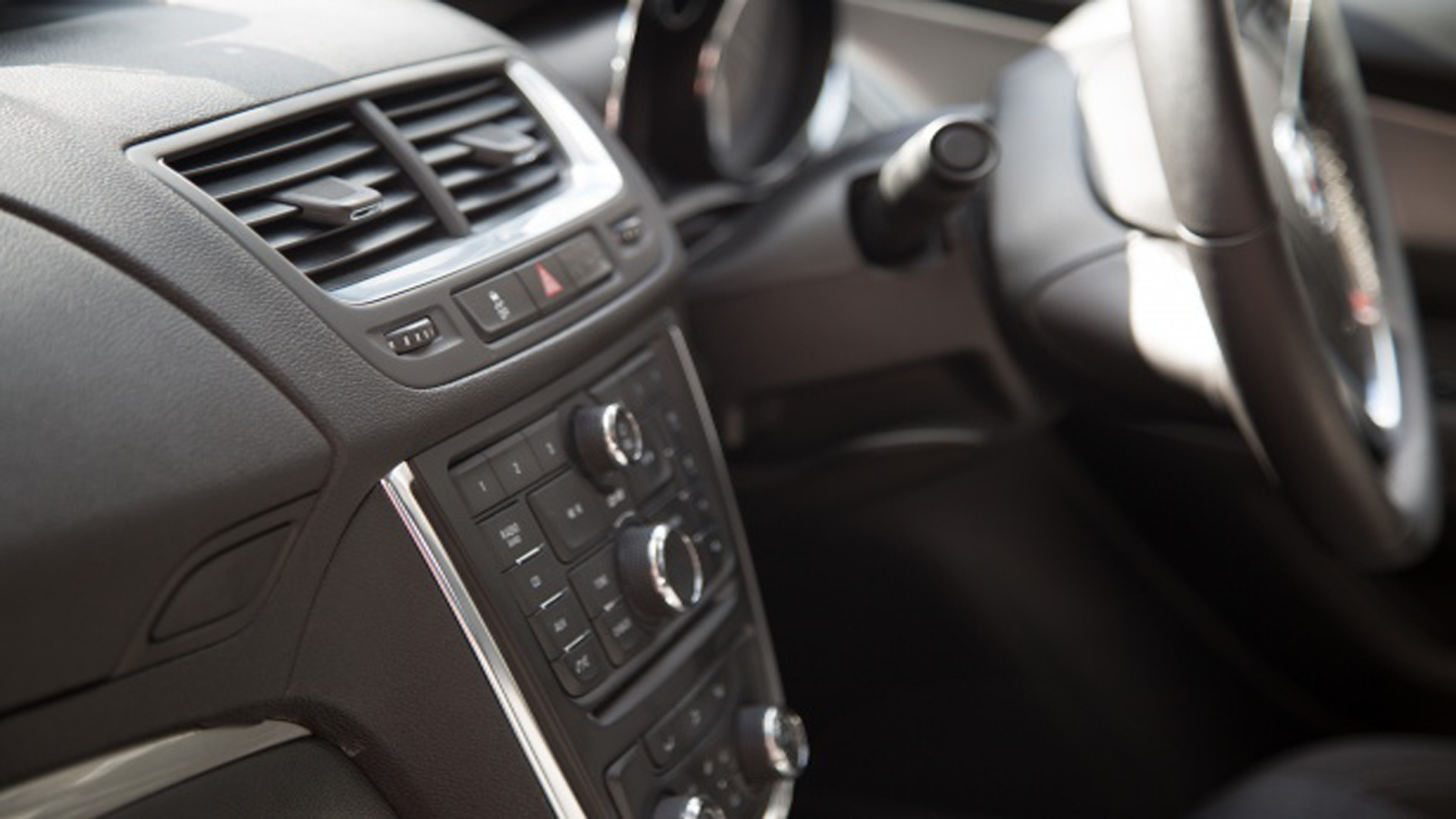
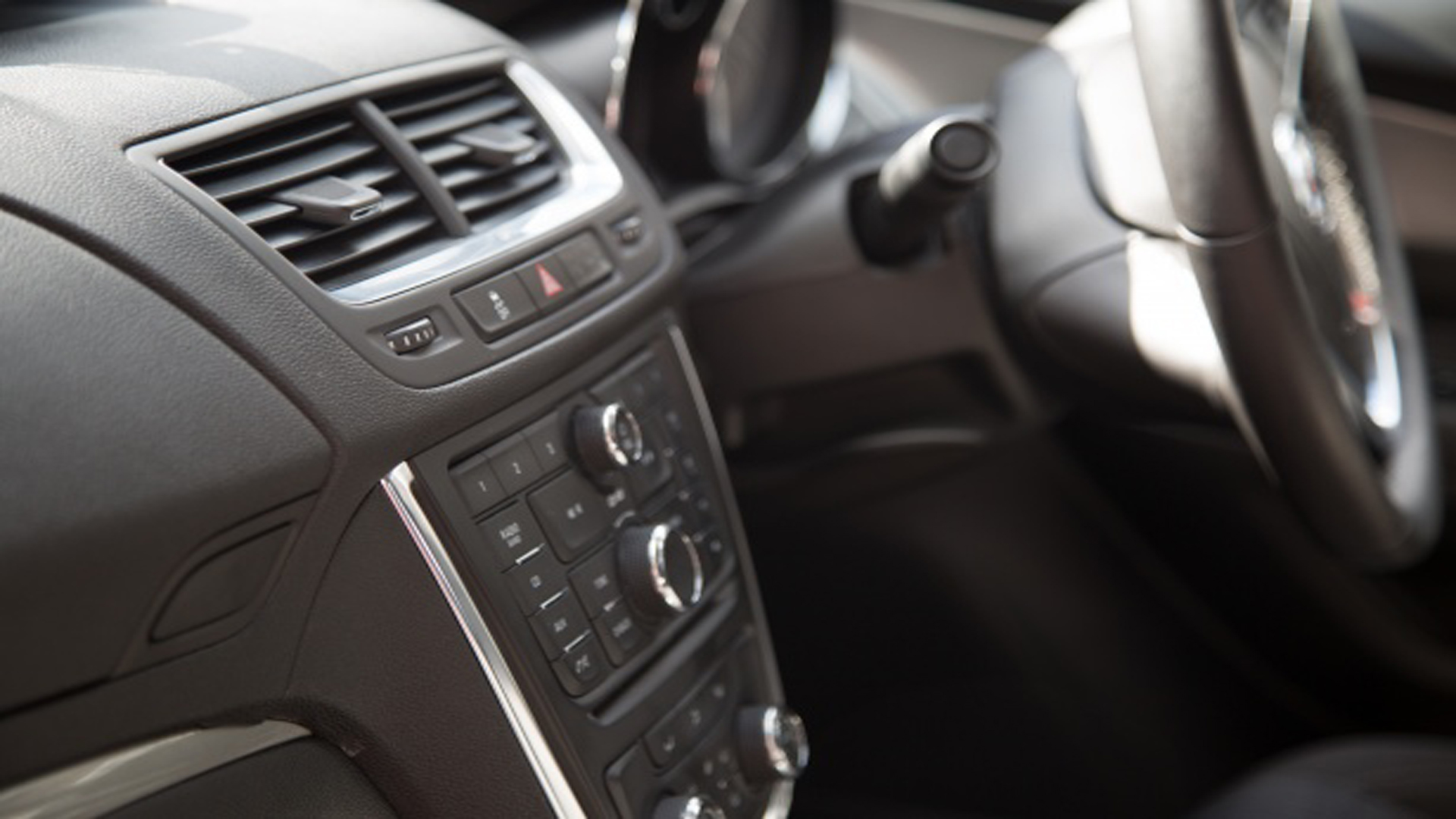
Car Radios
- Many modern car radios update automatically.
- If yours doesn’t, look for Auto‑Tune, Scan, or Update Stations in the radio menu.
- If you’ve travelled far from home, a fresh scan helps pick up local transmitters.
2. Alternatives to MW Listening
There are several reliable ways to keep listening without MW.
FM Radio
- Available on most radios and in all cars.
- Offers clearer sound than MW and better coverage across the UK.
DAB/DAB+ Digital Radio
- Provides more stations, clearer audio, and easy station selection by name.
- Portable DAB radios are widely available for home and car use.
Radio on TV
- You can listen to all BBC network radio stations (e.g., BBC Radio 2) on your television.
- Digital‑only stations such as BBC Radio 4 Extra are also available.
- Depending on your TV platform, you may also find BBC local or nations stations relevant to your area.
- Simply select the channel number for the station you want.
- For example: BBC Radio 4 Extra is on Freeview channel 708.
BBC Sounds Website
- Access BBC Sounds through your computer, smartphone, or tablet web browser.
- Offers live radio, catch‑up programmes, and exclusive content.
Smart Speakers
- Ask your smart speaker to play your favourite BBC radio station by name.
- For more details, see the FAQ: Can I use BBC Sounds on my Smart Speaker?
BBC Sounds App for Your Television
- Most connected TVs that support BBC iPlayer also support the BBC Sounds app.
- For guidance, see the FAQ: How do I use BBC Sounds on my TV?
Online Listening
- Visit your station’s website and select Listen Live.
- Works on computers, tablets, and smartphones.