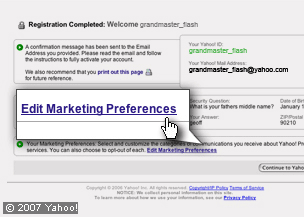
 Tick the right boxes
This page gives you a Yahoo! ID but it also allows you to decide what extras you may or may not want.
-
Yahoo! marketing information: If you do not want to receive any select 'Edit Marketing Preferences' at the bottom of the confirmation page. Then select 'Clear All' to untick all the boxes.
-
Email: You can use your normal email address or your new Yahoo! ID on Flickr - just go to the bottom of the confirmation page and click on the button next to the email address that you’d like to use.


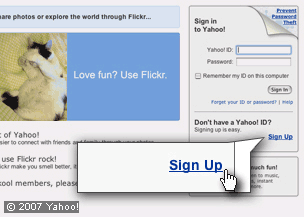 Join Flickr (part of Yahoo!)
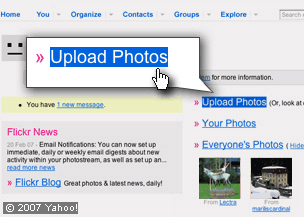 Upload your photo
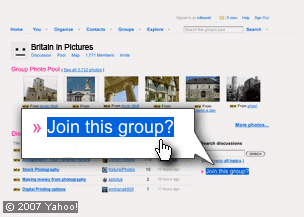 Join the BBC Britain in Pictures group
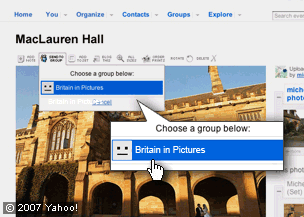 Add your photos to the BBC Britain in Pictures group