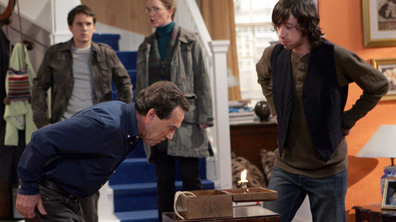
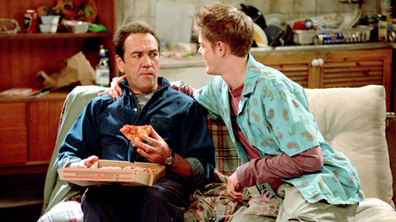
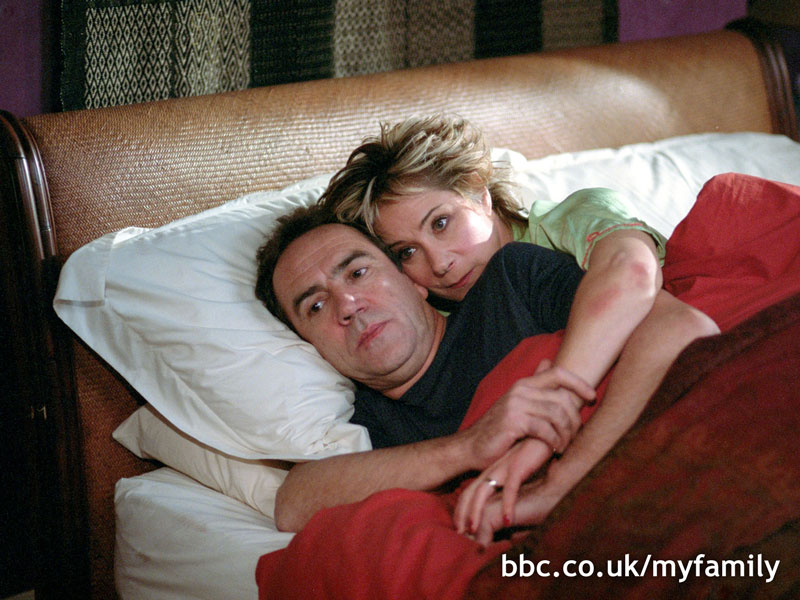
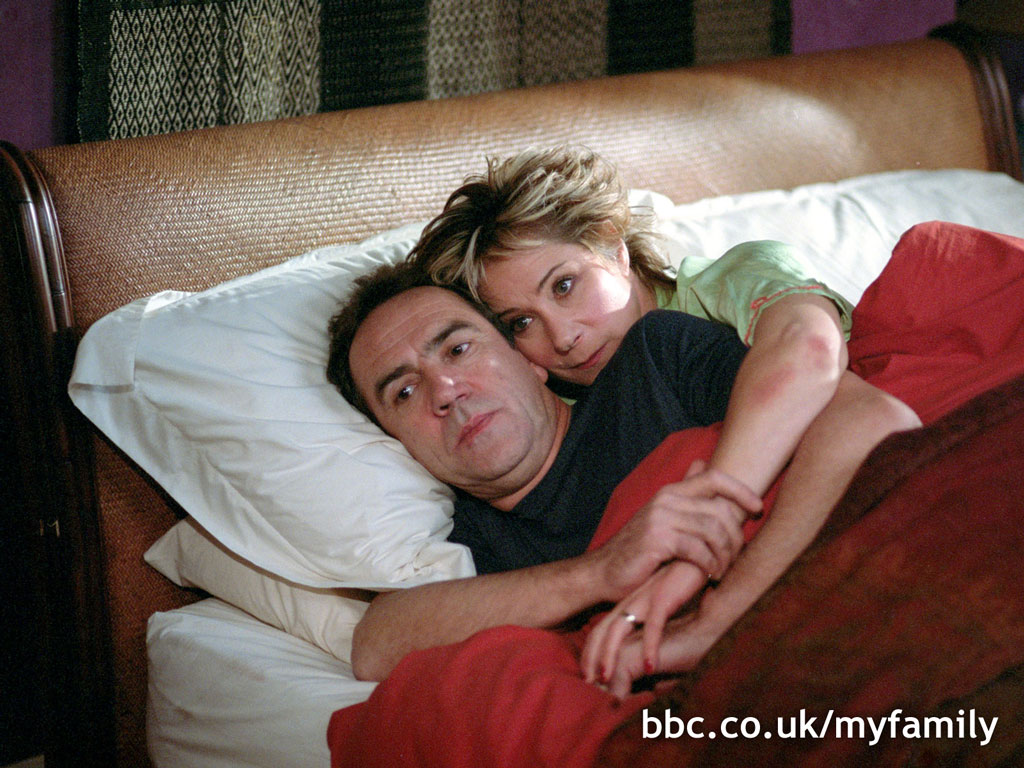
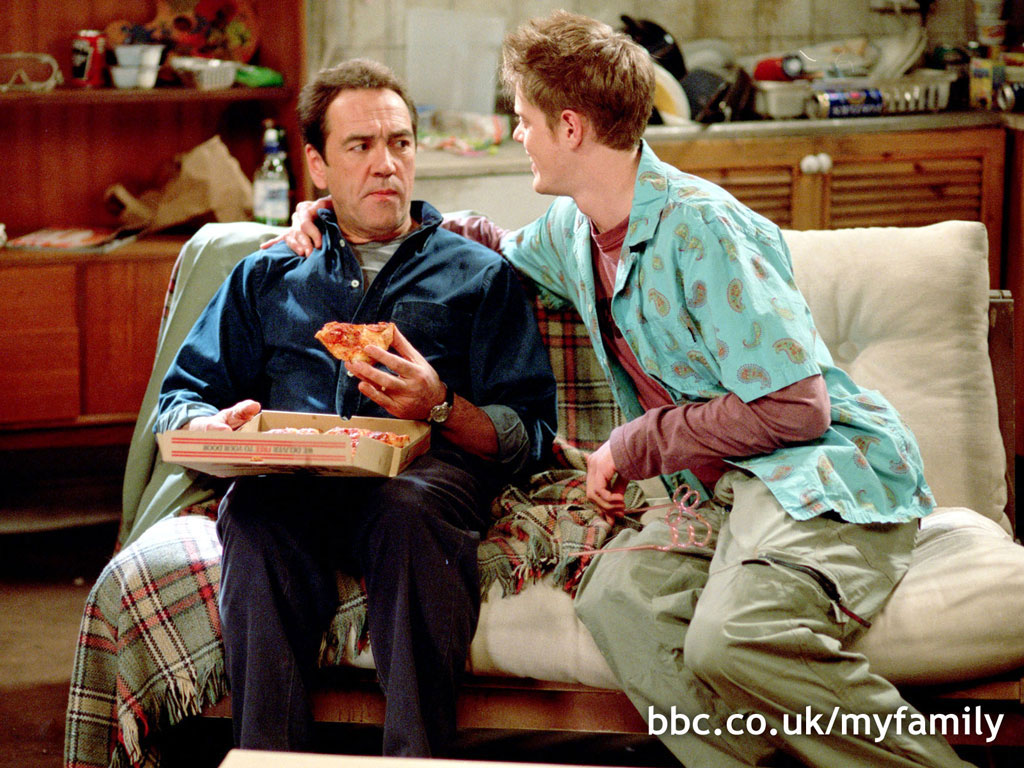
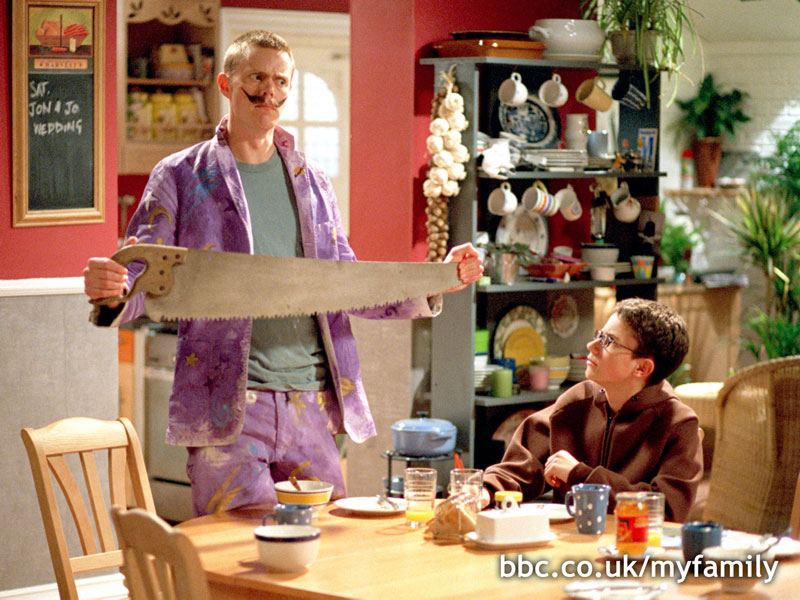
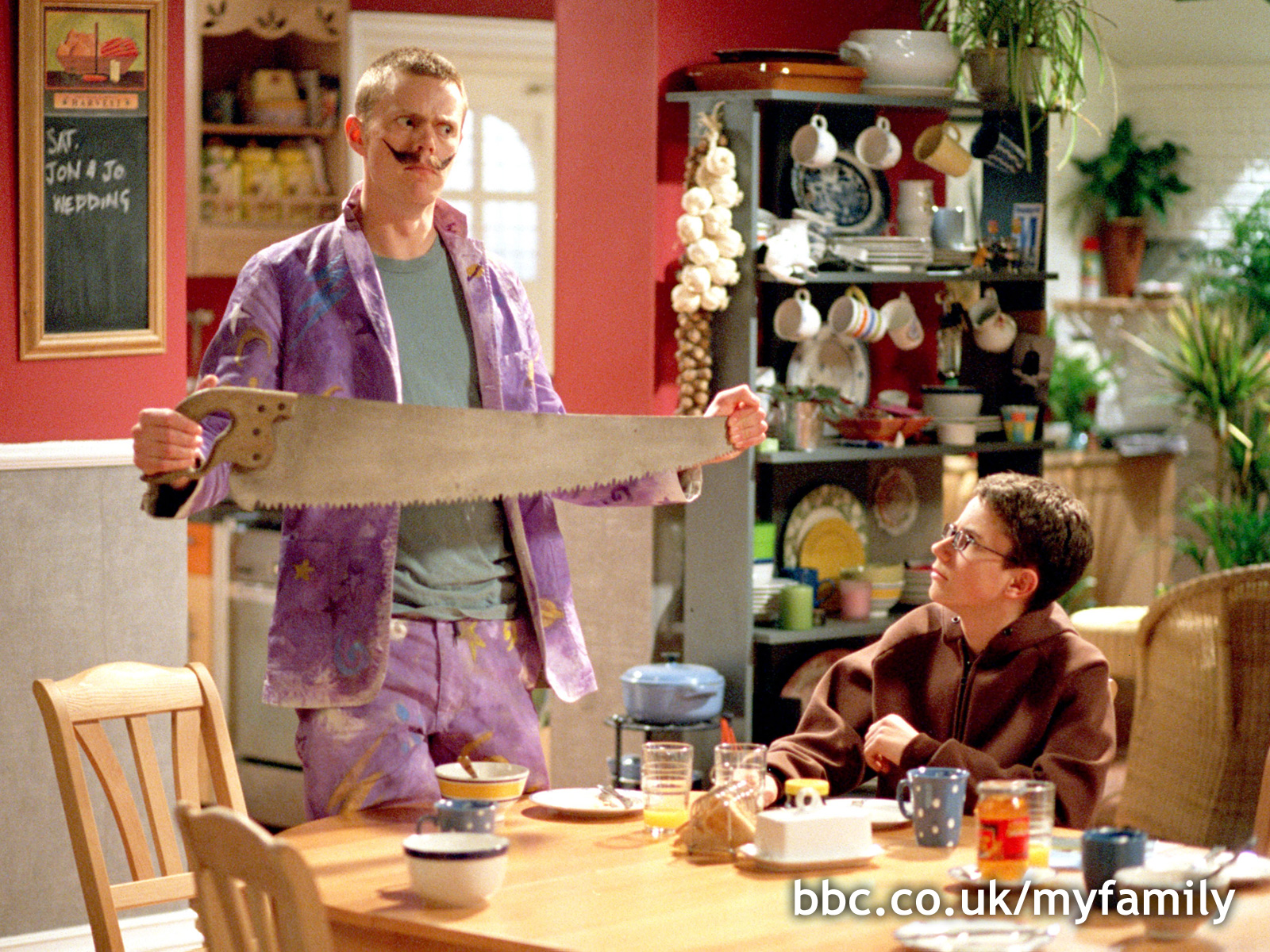
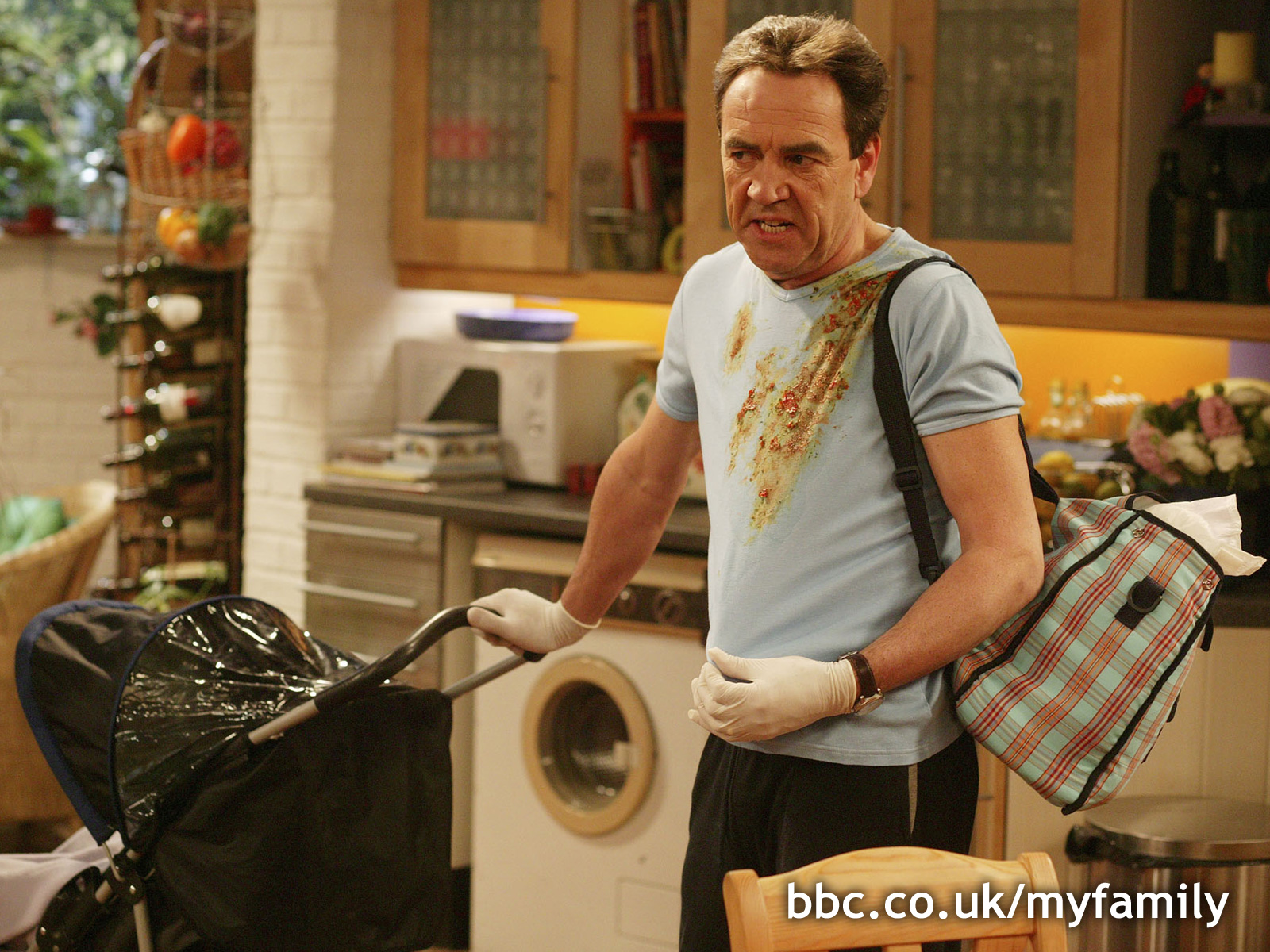
Wallpaper
Download InstructionsWindows 95, 98, 2000, XP and NT - Choose the size of wallpaper you require. The options are small (800 x 600); medium (1024 x 768) or large (1600 x 1200).
- Click on one of the options and a bigger image will appear in a new browser window. Move your cursor (pointer) over the big image.
- Right click your mouse and a 'drop down' menu will appear. Go to 'set as wallpaper' or 'set as background'.
- Finally left click your mouse. Your new wallpaper will appear on your desktop. To find out the best size for you, right mouse-click on your desktop, select 'properties,' a pop window will appear; select 'settings' and note the dimensions in the section called 'screen area.'
Mac 0S 8/8.5 - Download the image by clicking and holding down the mouse.
- Click on the Apple icon in the top left-hand corner of the screen.
- Go to control panels, click on 'Appearance'. Six menu items are shown - choose 'Desktop'.
- Click on 'Place Picture' and choose the image that you downloaded from the web site. Click 'Set Desktop' button.
Gallery Viewer
- Picture Set:
- 1
|